Coloring Objects for Kids
About
Coloring Objects for Kids offers a calming, educational experience for young children. The app includes over 40 line-art objects, from animals to vehicles, ensuring variety. Finger painting is smooth and responsive, with no ads to interrupt play. The simple interface allows toddlers to create independently. This app supports fine motor development and color recognition, making it a valuable tool for parents seeking constructive screen time.
Game Introduction
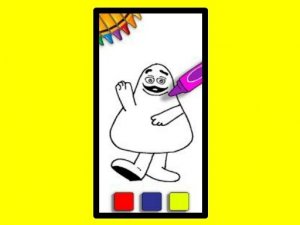
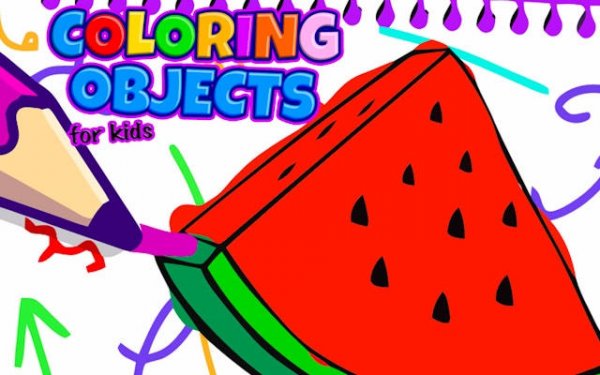
Coloring Objects for Kids is a digital painting and drawing tool designed for young children. It turns a device into a vibrant canvas where toddlers and preschoolers can explore colors, shapes, and artistic ideas safely. With over 40 objects to choose from, including animals, vehicles, and everyday items, the variety keeps the experience fresh. The app promotes creativity and focus, encouraging calm play without distractions. It helps improve fine motor skills, color recognition, and creative thinking. Parents can feel good about providing an entertaining yet educational experience that nurtures a child's creative spirit.
How to Play
Playing Coloring Objects for Kids is simple and fun. First, a child selects a line-art object from the gallery. Next, they choose a color from a bright palette. Then, they tap and drag their finger across the screen to fill the object with color. There are no rules or mistakes, only artistic freedom. After finishing one masterpiece, they can easily start another. The process builds confidence and artistic abilities with each picture completed.
Game Features
Key features include an extensive coloring library with over 40 objects. Intuitive finger painting allows easy color application. The app provides a safe, ad-free environment for focused play. It is designed for toddlers and preschoolers, with simple controls that require no reading skills. The colorful palette encourages color recognition and experimentation.
Tips for Success
Encourage children to experiment with different color combinations to see what they like. Let them take their time with each object, as there is no rush. Praise their efforts to build confidence. Try coloring the same object in different ways to explore creativity. Keep the experience positive and fun, focusing on the process rather than the final result.
Compatibility
━━━━━━━━━━━━━━━━━━━━━━━━━━━━━━━━━ 📱 Play on Any Device | Chrome / Safari / Edge Recommended ━━━━━━━━━━━━━━━━━━━━━━━━━━━━━━━━━